TV Mounting in Dallas, TX
Mounting a TV is a ten-minute job in the videos and a nervous afternoon in real life. TV mounting in Dallas is harder to guess, since a Tudor in the M Streets, a ranch house in Lake Highlands, a loft in Deep Ellum, and a high-rise condo in Victory Park can each have something different behind the paint.
HouseBench mounts TVs for homeowners and renters across Dallas. A visit means checking the wall, fastening the bracket to suitable structural support, hanging and leveling the screen, and tidying the cables.
TV Wall Mount Installation in Dallas
Dallas buildings run from plaster-walled Tudors to concrete towers, and each wall wants its own method. Before choosing any hardware, we find out what is actually holding the wall up, and we confirm the framing and bracket requirements before the drill comes out.
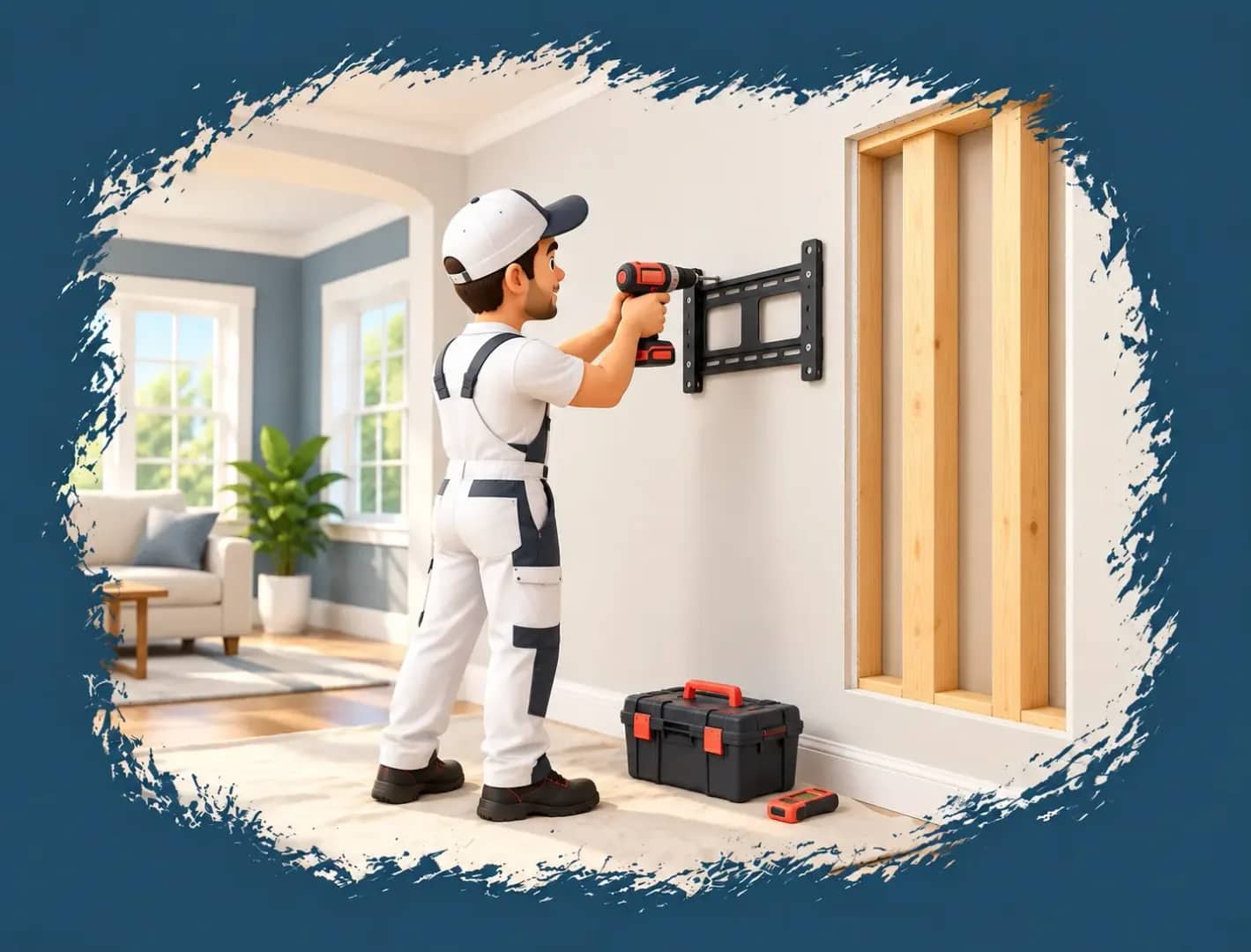
Drywall Over Wood Studs
The bracket goes into the studs with the fasteners the mount manufacturer specifies. Drywall alone holds nothing.
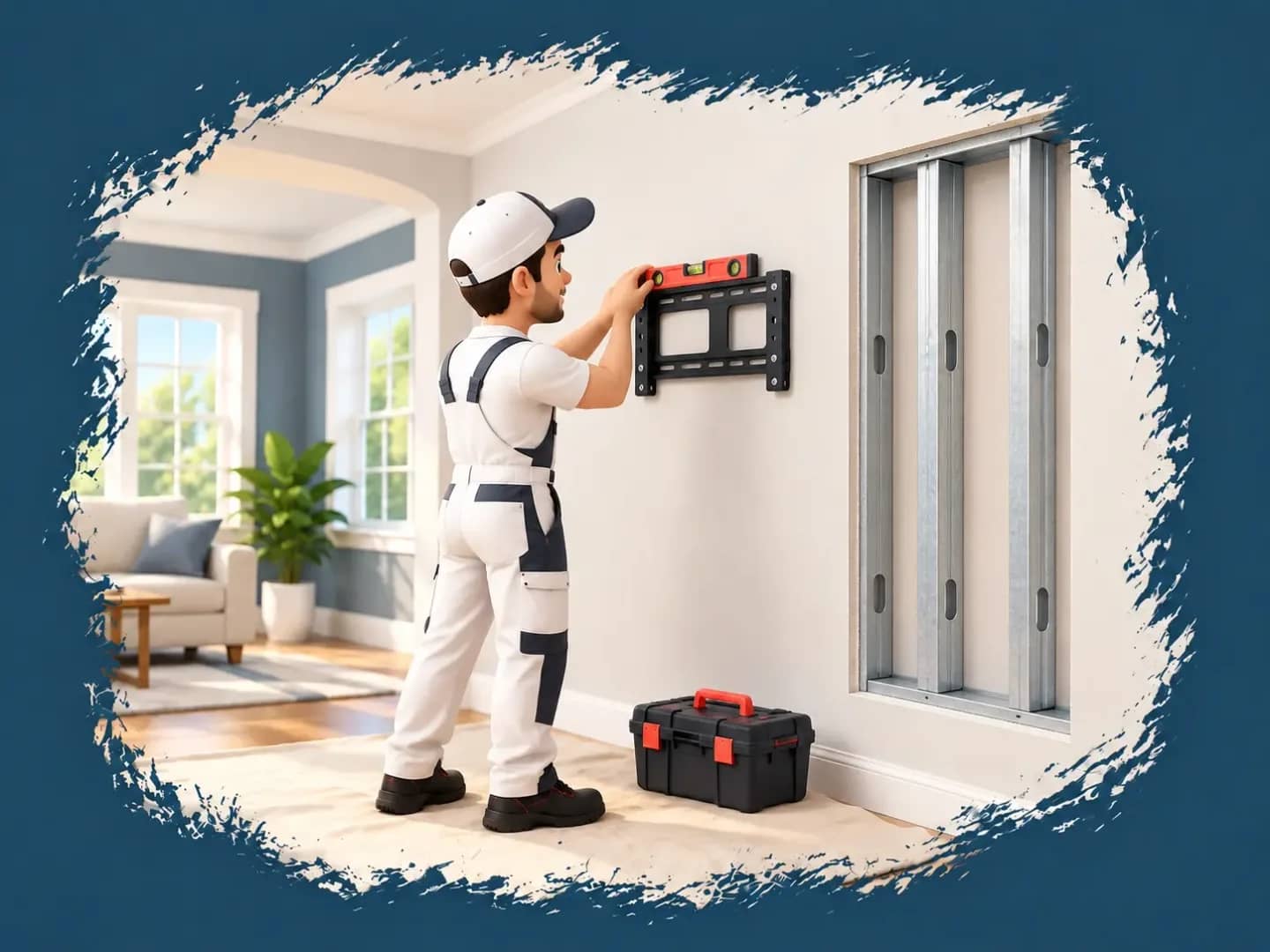
Drywall Over Metal Studs
Metal-stud walls need compatible hardware and an approved mount. A building's age or type won't tell you what's inside, so we check the framing. Depending on the TV weight and bracket, reinforcement may come first.
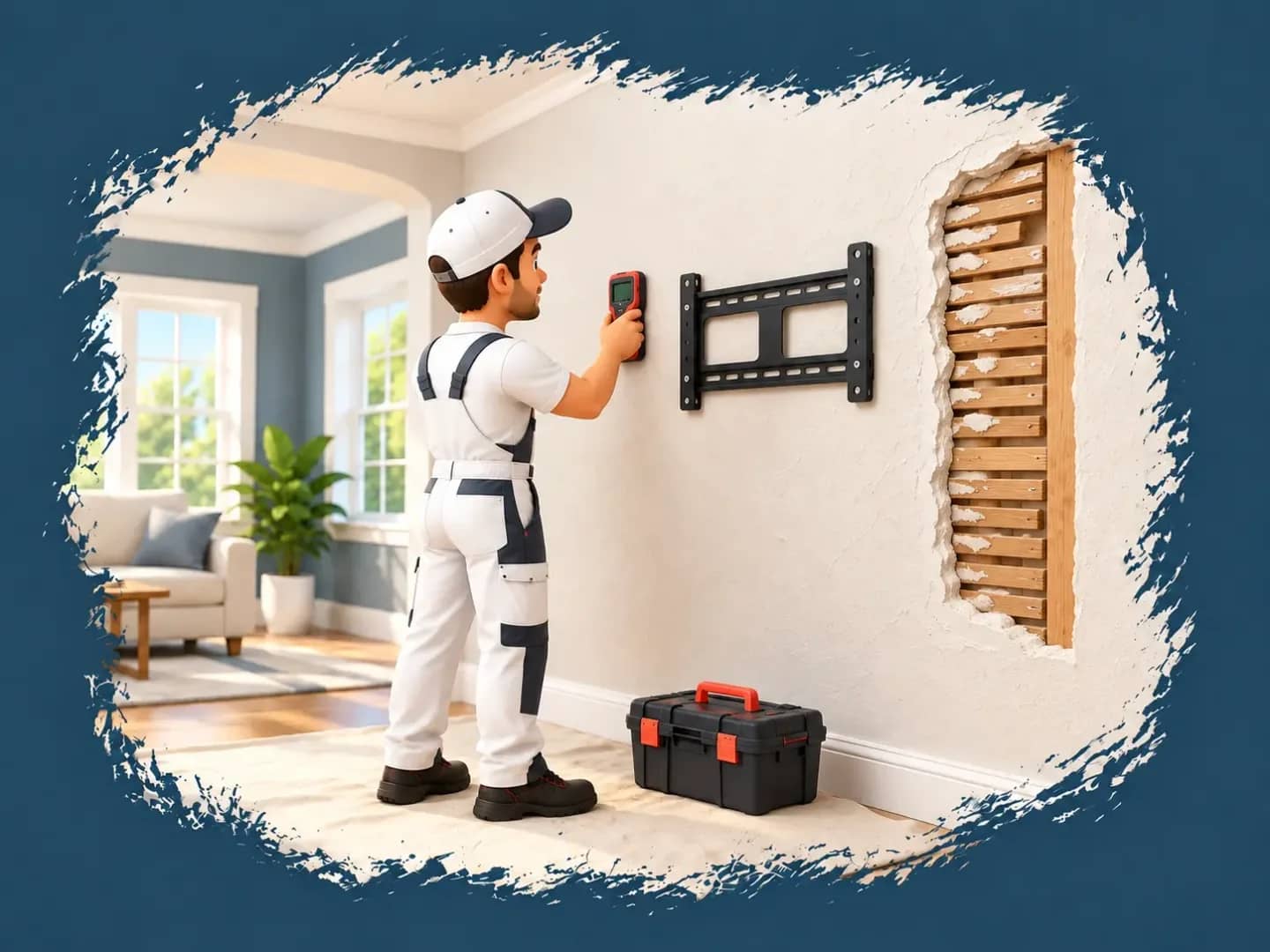
Plaster Walls
Older homes in the M Streets, Lakewood, and Oak Cliff can have plaster or other layers behind the finish, and plaster cracks if you rush it. Drilling is slow and careful, and the bracket goes onto framing or other suitable support.
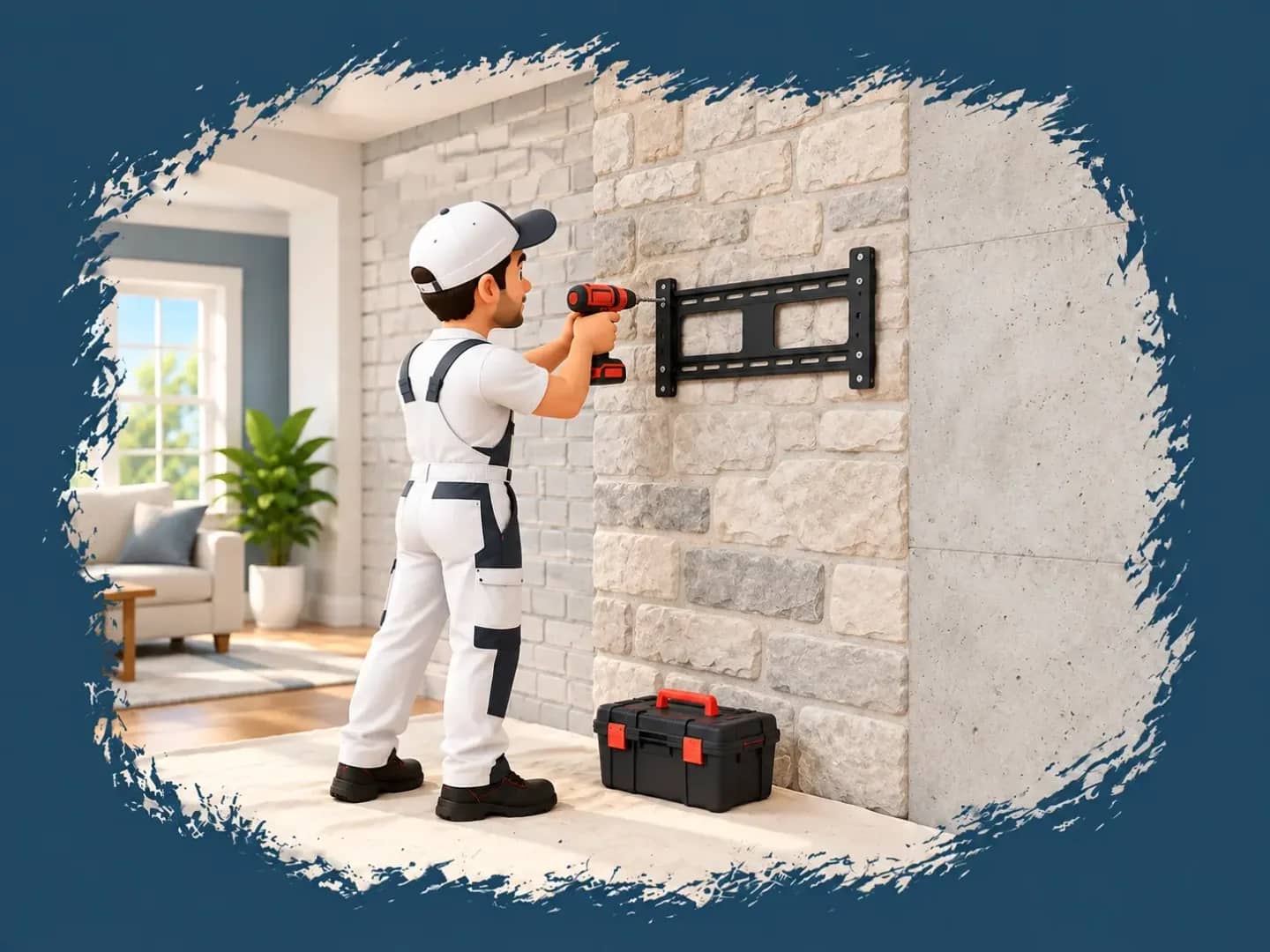
Brick, stone, and concrete
A brick or stone face can be a thin veneer, so the fasteners sometimes have to reach the structure behind it. Fireplace walls and loft interiors both land here, and the first question is whether the material can carry the job.
TV Installation for Homes and Apartments
Planning starts with the rooms you use, how we reach the property, and whatever your building requires, whether you own or rent.
What’s Included
Before work begins, we talk through your equipment and cable-management preferences. The rest is installation, connections to your existing devices, and final checks.
Your TV's size, weight, and mounting-hole pattern (the VESA pattern) have to match the bracket's specifications. A bracket that says it fits most TVs on the box fits yours once those numbers line up. Bring your own compatible mount, or ask us to recommend one for your Dallas home and wall type. We check the mounting area for wiring and plumbing obstructions before we drill.
We secure the wall bracket, attach the TV, and engage the mount's locking features. Then comes the level check. Dallas clay moves houses a little over the years, so a mantel, ceiling line, or floor is sometimes slightly off level, and a perfectly level screen against it can look crooked. We go over the alignment with you before finishing.
Soundbar, streaming device, gaming console, or cable box: tell us which ones you want hooked up when you request your quote, and we connect them with compatible cables.
Cable bundling and paintable surface covers are the simple routes, and concealed runs are possible where the wall allows. In-wall concealment needs in-wall-rated signal cables and an approved power solution. Standard power cords and extension cords must never run inside a wall, because that is a fire hazard. A new outlet or a change to fixed wiring is a licensed electrician's job. Your quote lists the approach and the included work.
We test picture, sound, and every input before leaving, then clean up the dust and gather the loose hardware and packaging.
Where the TV Should Go
A comfortable setup starts with how you use the room. Before drilling, we go over screen position, viewing angles, and the furniture around it with you. HouseBench works with background-checked technicians, completed work carries a 30-day warranty, and requests are open 24/7 if you want to talk through your TV mounting or open appointments.
Height for Your Viewing Position
For sofa seating, the center of the screen should generally sit near your seated eye level. Bedrooms are different: watching from bed usually means mounting higher, then angling the screen toward where you actually lie.
Windows, Lighting, and Glare
Windows and lamps throw reflections, and direct sun on the screen is the worst of it. We think about the hours you watch most. A different position or angle can cut the glare.
Furniture and Fireplace Clearance
Leave room for consoles, soundbars, and whatever else sits under the TV. Fireplaces get a closer look: we weigh the wall, the heat exposure, and the viewing height.
Choosing a TV Mount
A fixed mount keeps the screen close to the wall. A tilting mount adjusts the vertical viewing angle, which helps when the TV sits above eye level. A full-motion mount extends and swivels for different seating positions.
How a Visit Works
Four steps, and you confirm where the screen goes before anything is drilled.
- 01
Share Your Setup
Send your Dallas neighborhood or ZIP code, property type, TV size and model, and wall type if you know it. A photo of the wall helps.
- 02
Review Your Quote and Book
Pick an appointment time that fits your schedule and any building work hours, once you have an upfront price for the agreed work.
- 03
Confirm placement and install
On arrival we inspect the wall and settle the TV's position and height with you. Then we secure the bracke and run the cables as agreed.
- 04
Connect, test, and clean up
We connect your devices, check the picture, sound, and inputs, and tidy the work area before we leave.
TV Mounting Throughout Dallas
HouseBench
Find us
TX 75067
Hours
Bookings open 24 hours a day, 7 days a week
HouseBench provides TV wall mounting in Dallas for houses, apartments, condos, and lofts, from Downtown to North Dallas and from Oak Cliff to Lake Highlands.
- Deep Ellum
- Design District
- Downtown and the Dallas Arts District
- Knox/Henderson
- Lake Highlands
- Lakewood and East Dallas
- Lower Greenville and the M Streets
- North Dallas
- Oak Cliff and Bishop Arts District
- Oak Lawn and Turtle Creek
- Preston Hollow
- South Dallas and the Fair Park area
- The Cedars and Southside
- Uptown and West Village
- Victory Park and Harwood District
- West Dallas and the Trinity Groves area
Nearby Cities We Serve
Outside the city? HouseBench also provides TV mounting in these nearby communities, and each has a location page of its own.



FAQs
Get a quoteThe price depends on TV size, mount type, wall material, and whether the cables are concealed. Masonry and in-wall cable work can add to the scope. Send your equipment details, a wall photo, your neighborhood, and the building type, and you'll get a clear quote before booking.
In many cases, yes. Each surface needs a method that suits the wall and the structure behind it, so we assess the wall first. If it can't take the mount or the TV's weight, we say so and talk through another position.
Bring your own if it matches your TV's mounting-hole pattern and is rated for its size, weight, and wall installation, or ask us for a recommendation before booking.
Check your lease and get any landlord or building approval before you book, and ask what the move-out rules say about drilling and repairs. If cutting into the wall isn't allowed, a paintable surface cable cover may be an option.
Yes, where the building rules and wall construction allow it. Metal studs or concrete can change the hardware and mount options. Send over any HOA or management requirements on drilling, work hours, elevator access, and vendor paperwork before booking.
Often, yes, if the wall structure, heat exposure, and manufacturer clearances allow it. Over a fireplace is the classic stiff-neck spot, so we look hard at viewing height from your seating. A tilting mount can improve the angle, and sometimes another wall is the better choice for the room.
A paintable surface cover, or in-wall concealment where the wall and property rules allow it. In-wall runs need cable rated for it, and power needs an approved solution. The scope goes in your quote.
Send your TV size and model, mount details, and a photo of the wall, and we'll check compatibility, structural support, and handling requirements before booking. Big screens are no exception.